
Written by the Token Tails team. Facts checked against live data on ; sources are listed at the end.
You can put your own cat in a game in about a minute with Bad Cat Daily, a free browser game from Token Tails. Snap or choose one photo, fit an oval over your cat’s face, and your cat becomes the 3D troublemaker who knocks things off today’s counters while the human isn’t looking.
There is nothing to install and no sign-up. It works on a phone (held upright) and on a desktop browser.
Key takeaways
- Open tokentails.com/badcat, choose Take photo or Choose photo, and fit the oval to your cat’s face.
- Pick the coat pattern, colours, eyes, ears, tail, body shape and a name of up to 12 characters.
- The photo is read on your device and stays in your browser. Share links carry a short cat code, not the photo.
- A new room every day: one ranked run, unlimited practice.
What is Bad Cat Daily?
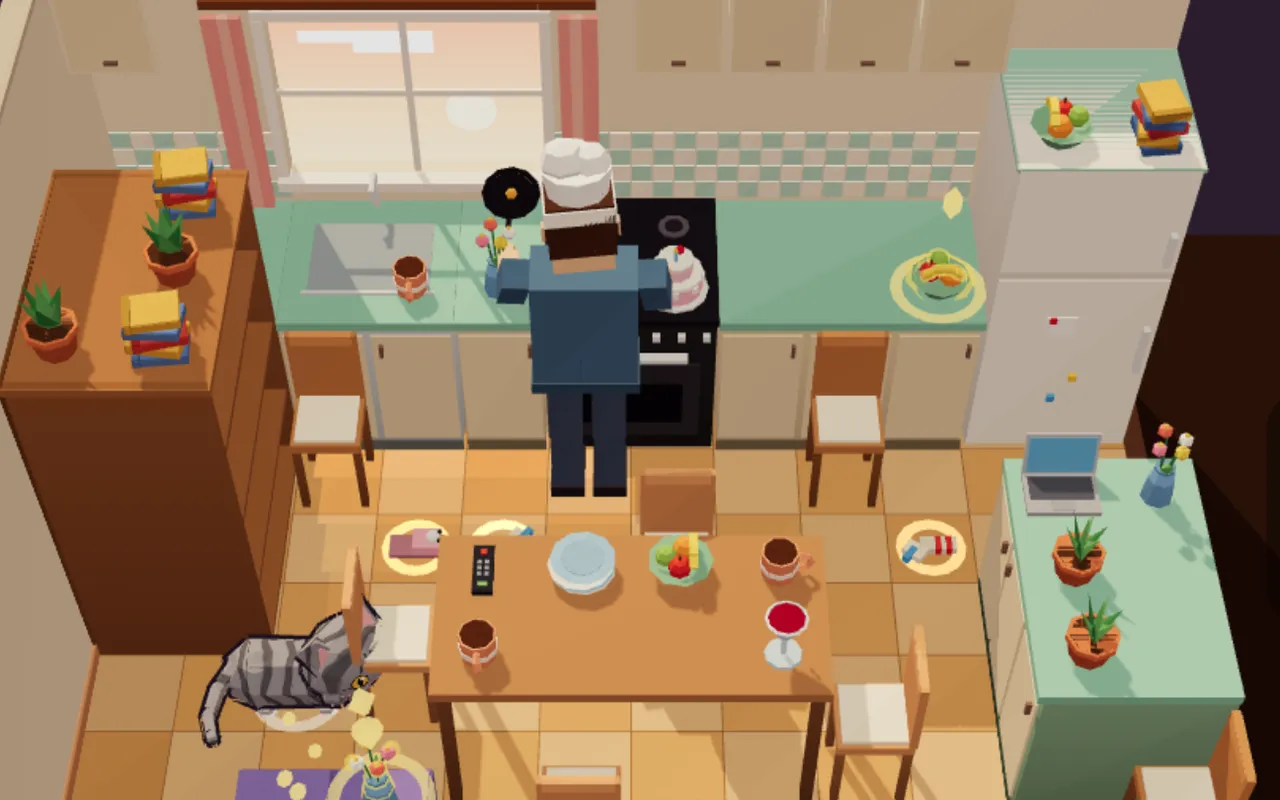
Bad Cat Daily is a daily cat-chaos game. You play a house cat with 75 seconds to knock as much as you can off the counters, shelves and tables of today’s room. The catch: the human looks around now and then, so you freeze, sneak and pick your moment.
The joke that makes it work is your own cat. A real face on a toy-like 3D body is instantly recognisable as your cat, which is exactly what makes a run worth filming and sending to a friend.
How to put your cat in Bad Cat Daily
- Open tokentails.com/badcat in your phone or desktop browser. If you arrived from a friend’s link, the game asks you to “Snap your cat (10 s)” before the first run. Otherwise, open My cat from the home screen.
- Choose how to add your cat. Tap Take photo to use the camera, Choose photo (or a short video) to pick one from your gallery, or Pick by hand to build your cat without a photo. Skip, use a house cat starts straight away.
- Fit the oval to the face. Drag the oval over your cat’s face and pinch or slide to resize it. With a video, slide to the frame with the best face.
- Dress your cat up. The game guesses the coat colours from the photo. Adjust the pattern, base and second colour, eye colour, ears (pointy or fold), tail (normal, fluffy or bob) and body (slim, normal or chonk), then type a name.
- Play today’s room. Your cat now stars in every run, and the face moves with the head through every jump and swat.
Tips for a good cat photo
- Face the camera. A front-on face with both eyes visible reads best on the small 3D head.
- Use soft, even light. Daylight from a window beats a flash, which flattens fur and turns eyes into glowing dots.
- Fill the frame. Get close enough that the face is large in the picture; you can crop with the oval anyway.
- Keep it still. A sleepy or loafing cat gives a sharper photo than one mid-zoomies. A short video lets you pick the sharpest frame.
- Plain background. It helps the game guess the coat colours from the fur around the face.
- iPhone HEIC files. If the browser cannot read one, the game asks for a screenshot or a JPEG. A screenshot of the photo works fine.
A new room every day
Every day brings a new room: kitchens, bedrooms, a home office, party rooms and holiday rooms, with different humans and routines. You get one ranked run a day and unlimited practice, and Saturdays bring a boss room.
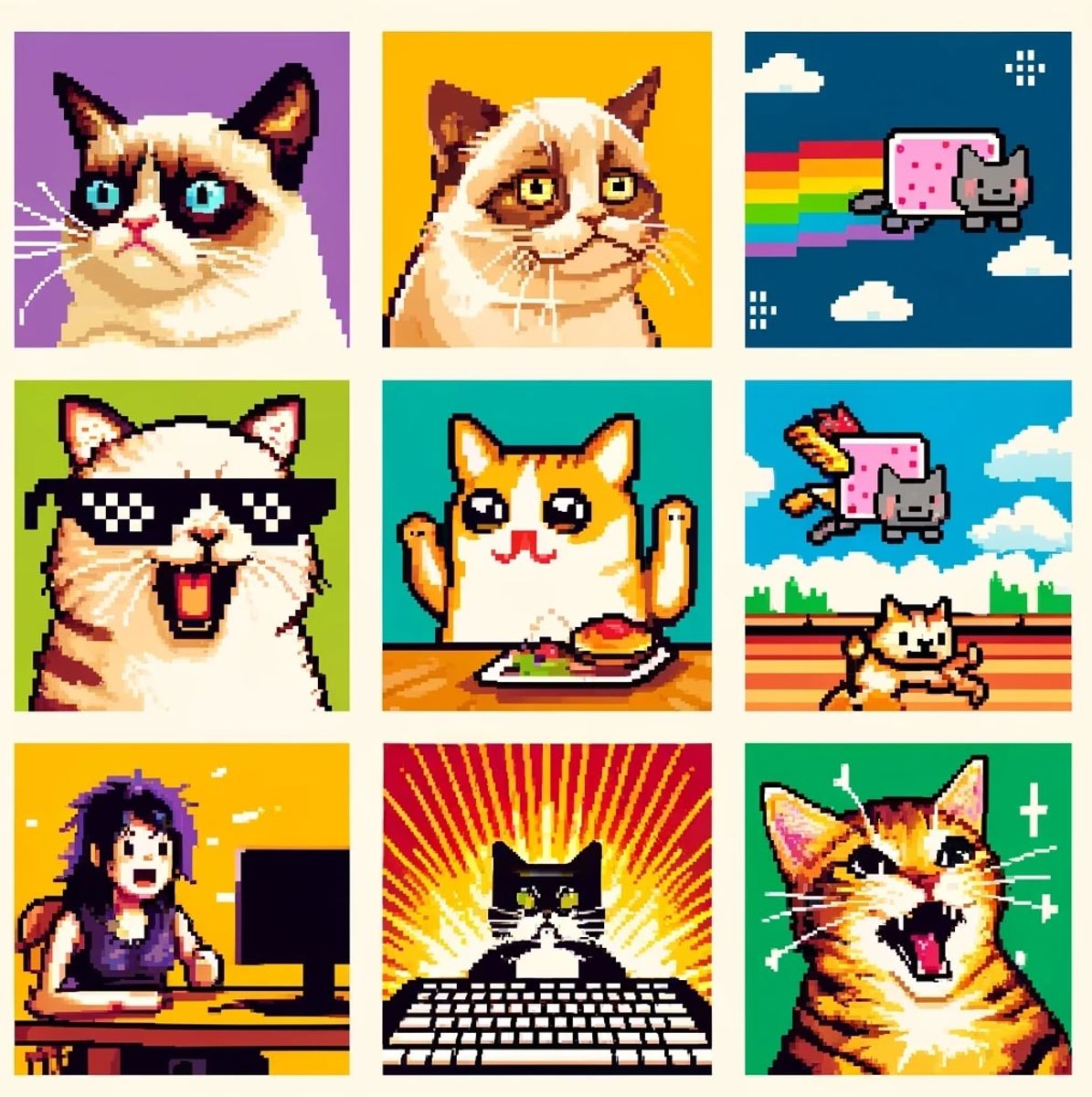
After a run, the game makes a short vertical clip of your best crime to save and post. If you would rather not show your cat’s face in clips, switch off Show my cat’s photo in clips in Settings. Bad cats make great memes; see our pick of the most famous cat memes for inspiration. How a run scores, room by room, is in the cat knocking things off the table game guide.
Your cat in the main Token Tails game
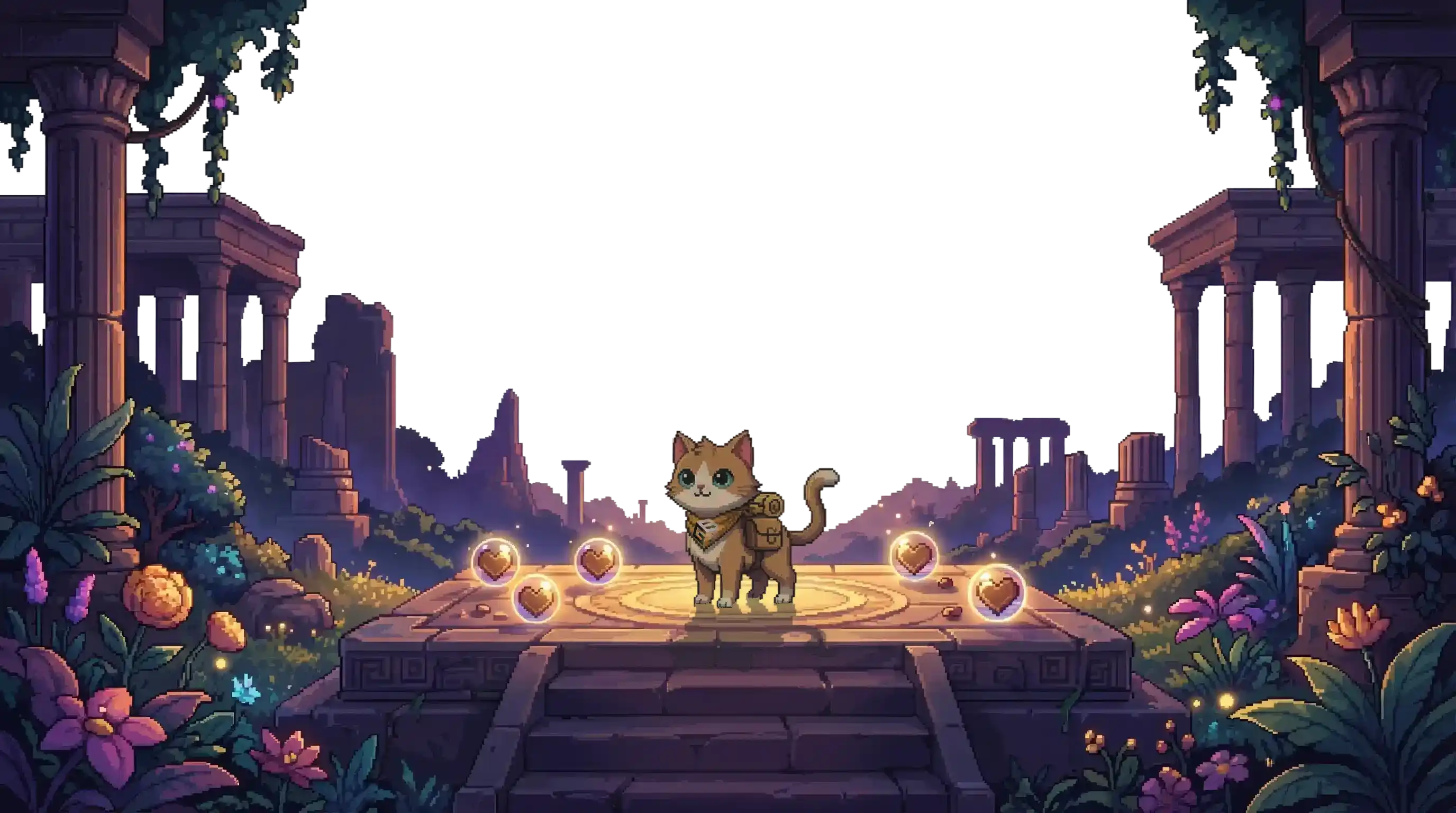
Bad Cat Daily is the place to play as your own cat from a photo. In the main Token Tails game at /game, you meet your cat instead: pick a pixel starter cat, give it a name and play, with no sign-up needed to start.
From the main game’s lobby you can visit Home, meet shelter cats in the Shelter scene, and play Purrsuit, Paw Match, Catnip Heist and Pink Paw Knight. For a tour of everything that runs in the browser, see free cat games online.
Privacy: what happens to your cat’s photo
Here is what the game’s code does with the photo, in plain terms:
- The photo is read on your device. It is decoded in the browser and never uploaded.
- It is saved in your browser. The face picture and the clip opener are stored in your browser’s own storage (IndexedDB) on that device. Clearing site data, or a private window, removes them.
- Share links carry a code, not a photo. Your cat’s look and name travel as a short code; the face photo is not part of it.
- Clips are your choice. A clip is made on your device and only leaves it when you save or post it yourself.
Bad Cat Daily is a web game, so open it in Safari or Chrome. Inside some in-app browsers, the game shows a tip to open it in the full browser to save your clip.
Frequently asked questions
Can I put my own cat in a video game for free?
Yes. Bad Cat Daily at tokentails.com/badcat is free in the browser. Take or choose one photo of your cat, fit an oval over its face, pick its colours and name, and your cat plays today's room.
Is my cat's photo uploaded anywhere?
No. Bad Cat Daily reads the photo on your device and keeps the face picture in your browser's storage. A share link carries only a short code for your cat's look and name, not the photo.
What if my cat photo will not open?
Some browsers cannot read HEIC photos from an iPhone. The game asks for a screenshot or a JPEG instead, and a screenshot of the photo works.
Do I need an app or an account?
No. Bad Cat Daily runs in a mobile or desktop browser with no download, and you can play without signing in.
Check it yourself
Facts checked against live data on . Live figures change: the links below always show the current ones.